
See it on you
before you buy.
Add one full-body photo. Bring a piece from Amazon or SHEIN, or any clear photo of one item. Pickivo makes an AI preview of you wearing it.

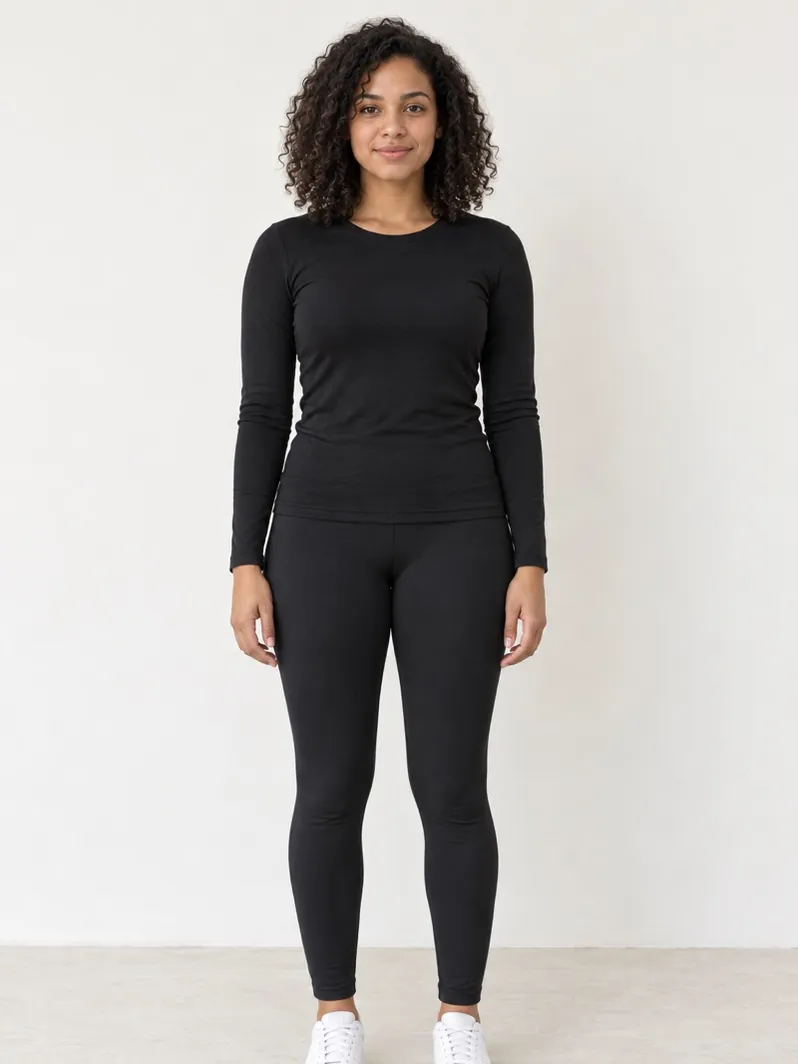
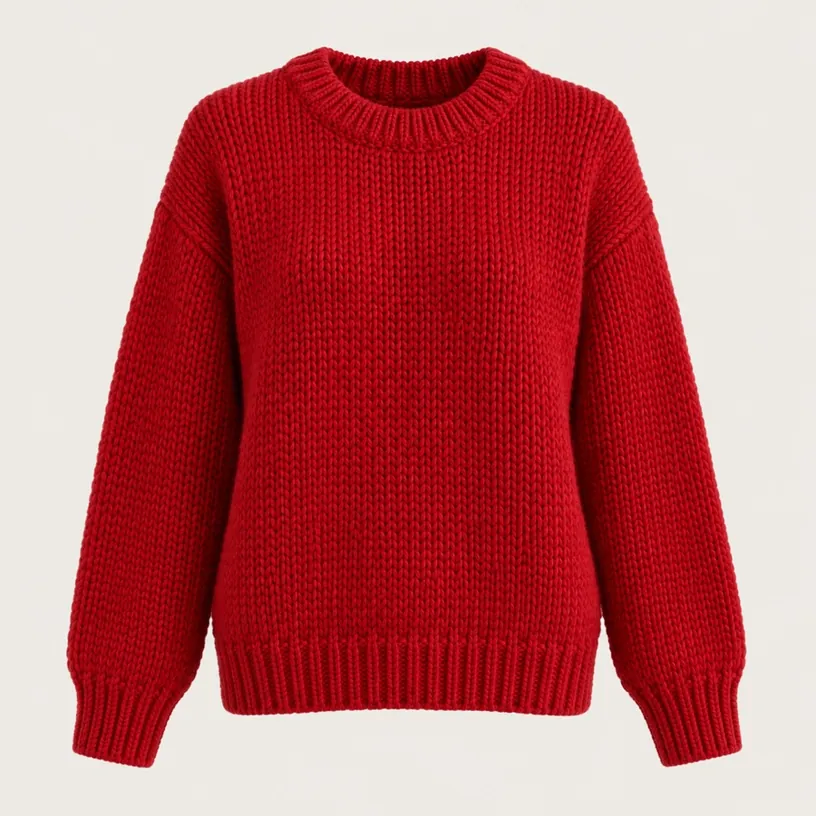
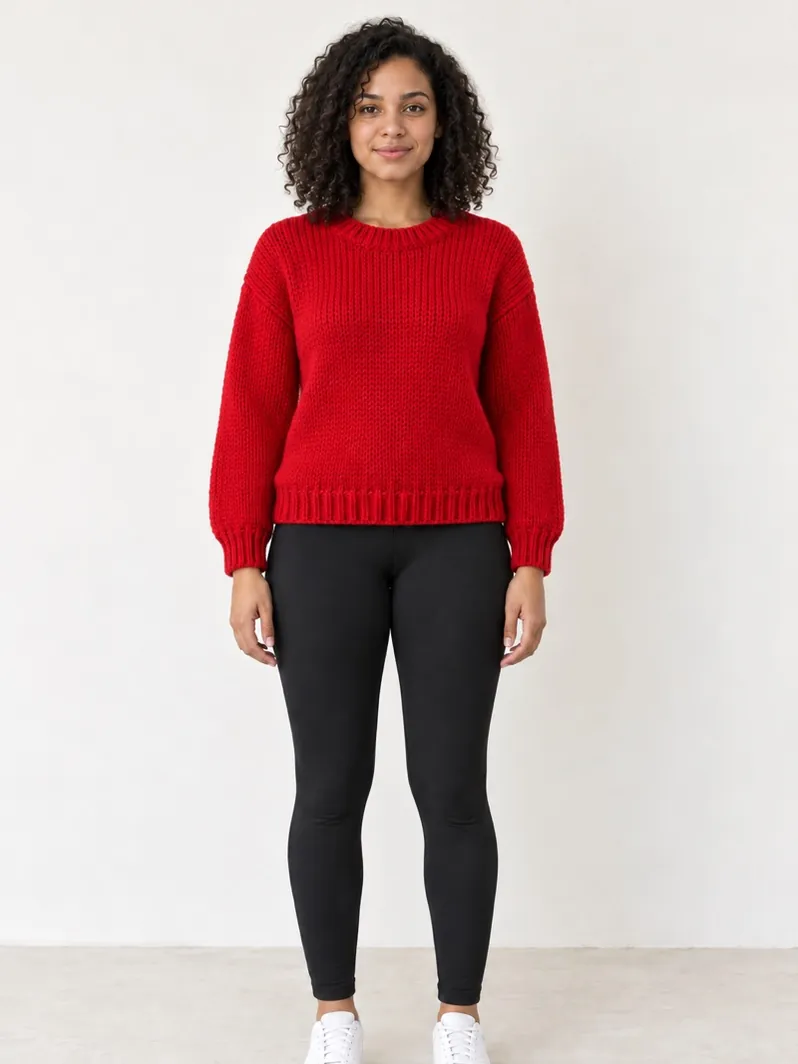
One photo.
Every outfit.
Add your photo once and use it for every piece you try. Each look is saved in My Looks, where you can compare 2 to 4 side by side.
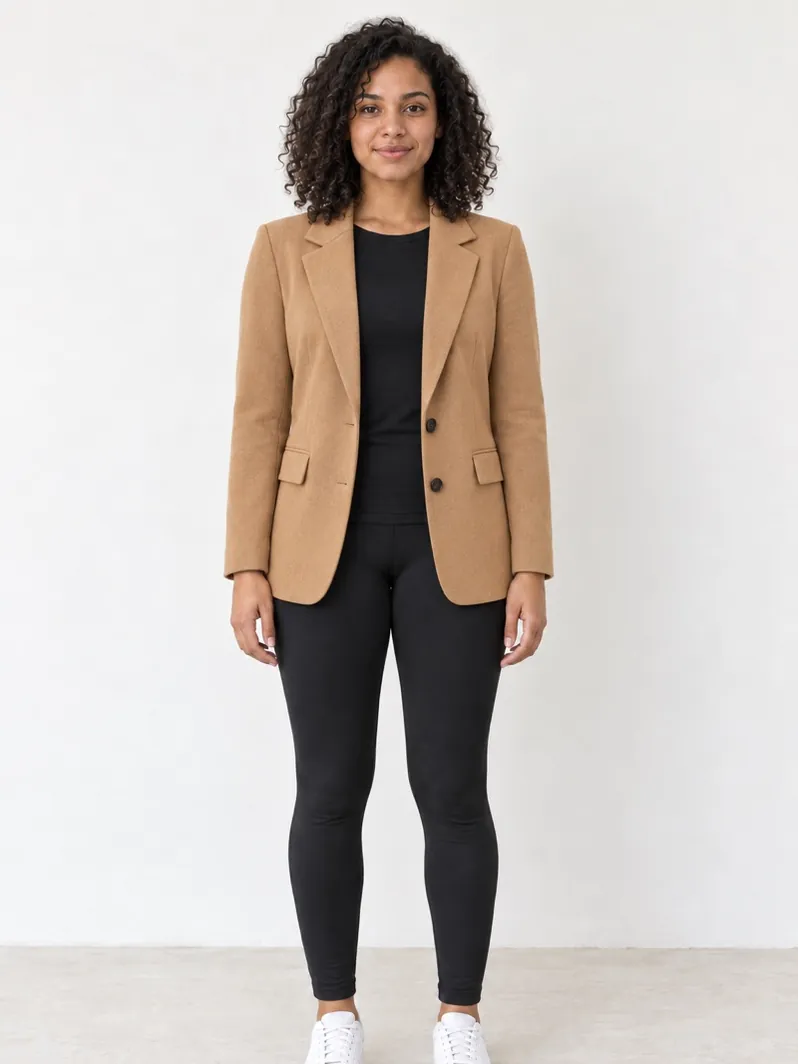 Example · AI preview
 Amazon
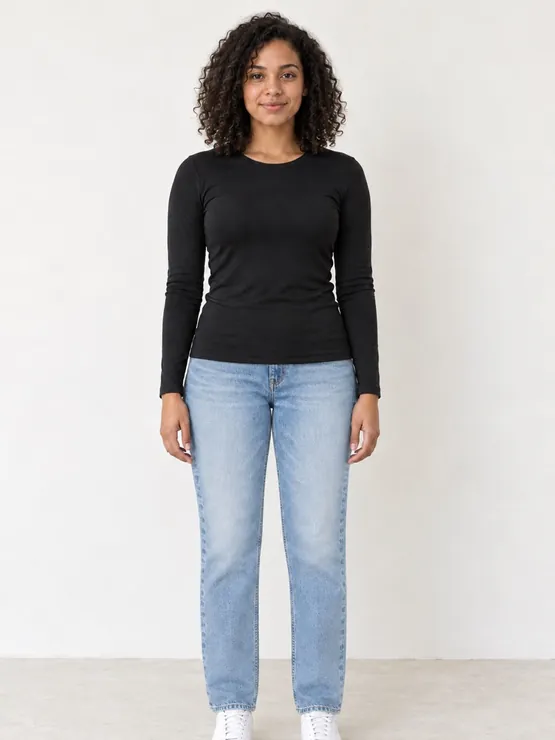 Example · AI preview
 Amazon
Example · AI preview
Amazon
Amazon
Example · AI preview
Amazon
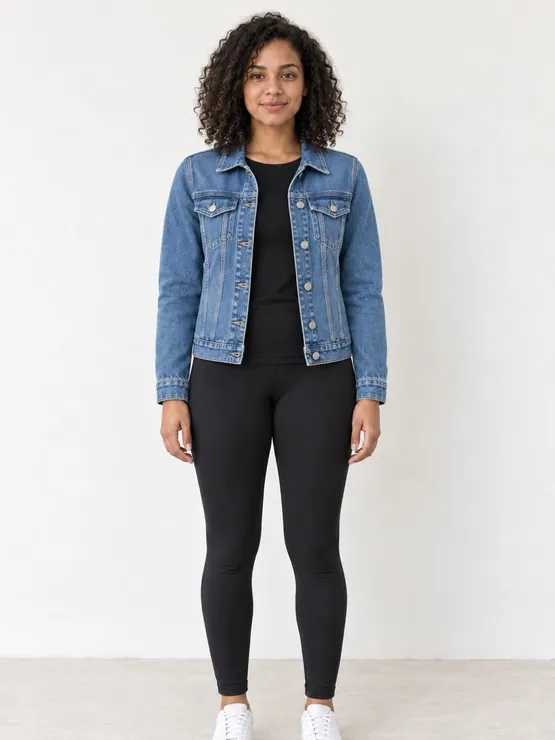 Example · AI preview
 Amazon
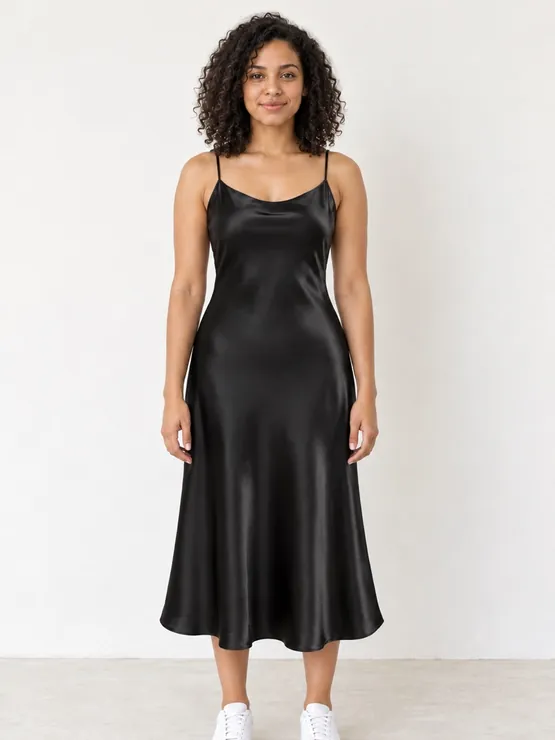 Example · AI preview
 Amazon
Back & side
See the
back, too.
Each look starts with the front view. When you need more angles, tap Back & side to add the back and the side. Anything the AI had to guess is marked AI guess.
Example · AI preview
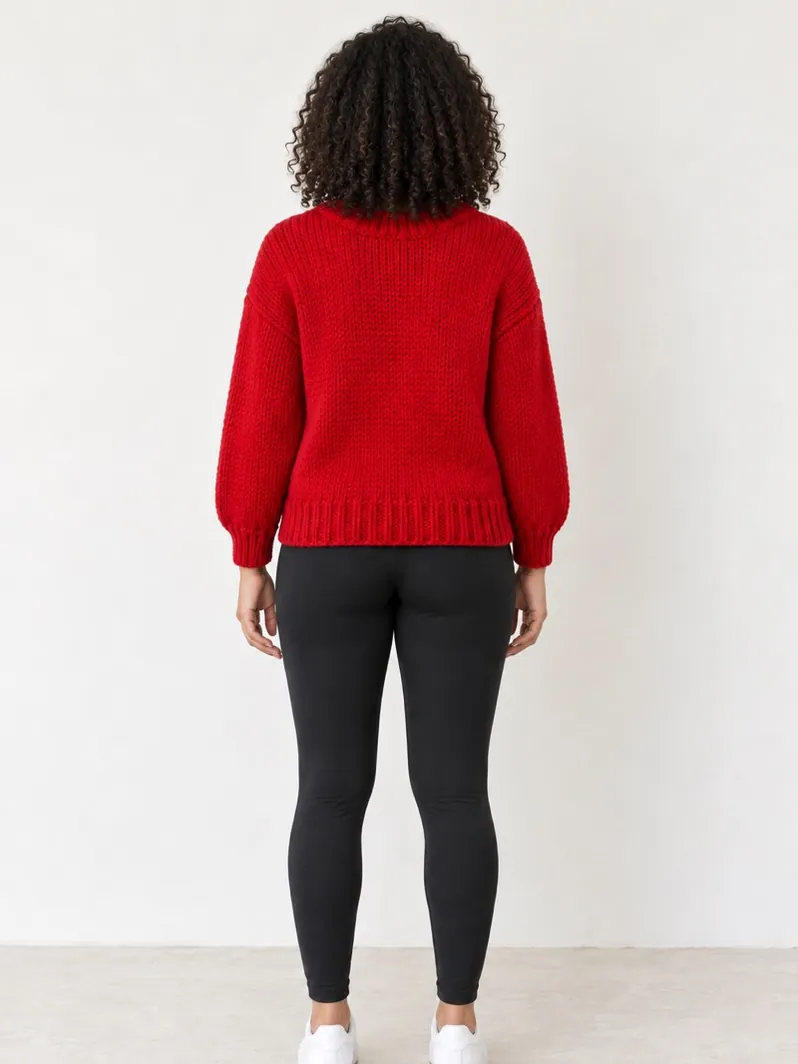 Example · AI preview
AI guess
Example · AI preview
AI guess
From the store
to you.
-
01
Bring an item
In the Amazon or SHEIN app, tap Share → Pickivo. Or paste a link, upload a clear photo of one item, or start with a sample.
-
02
Add your photo
Add one full-body photo of you. Then confirm what the item replaces: Top, Bottoms, Dress or Outerwear.
-
03
See your look
Get an AI preview of you wearing it. Adjust it, add back and side views, and keep it in My Looks.
Made from
your photo.
Every look is made from the full-body photo you add, so you see the piece on you, not on a model.
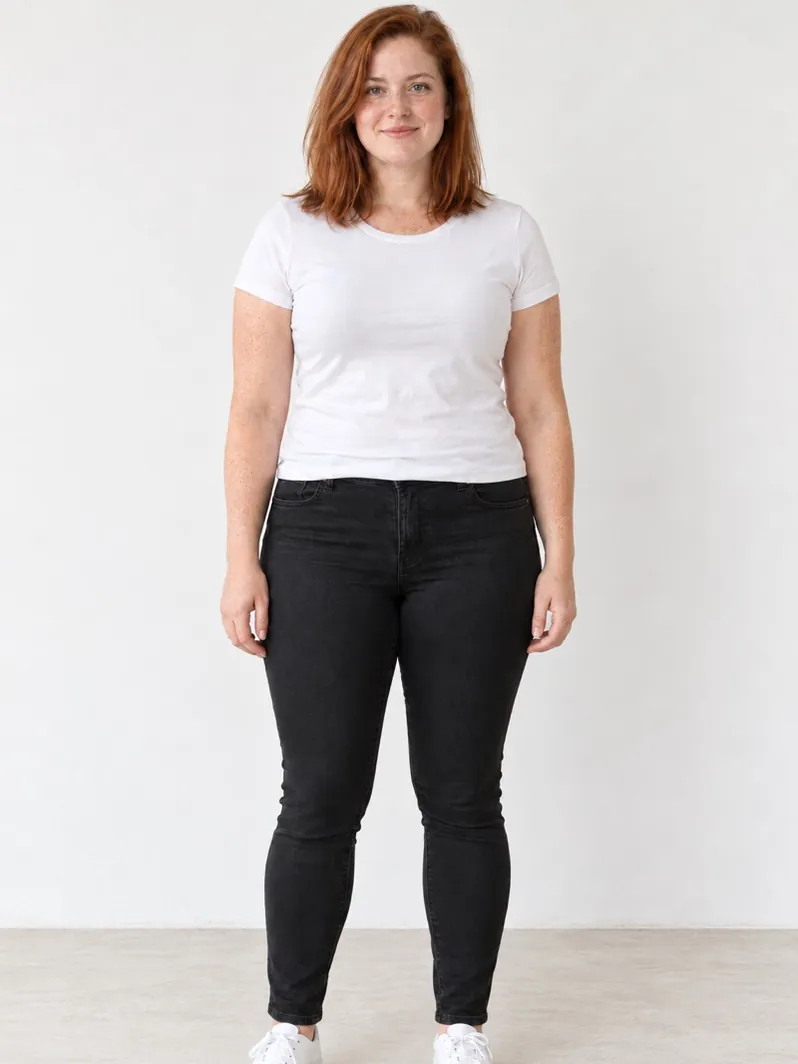
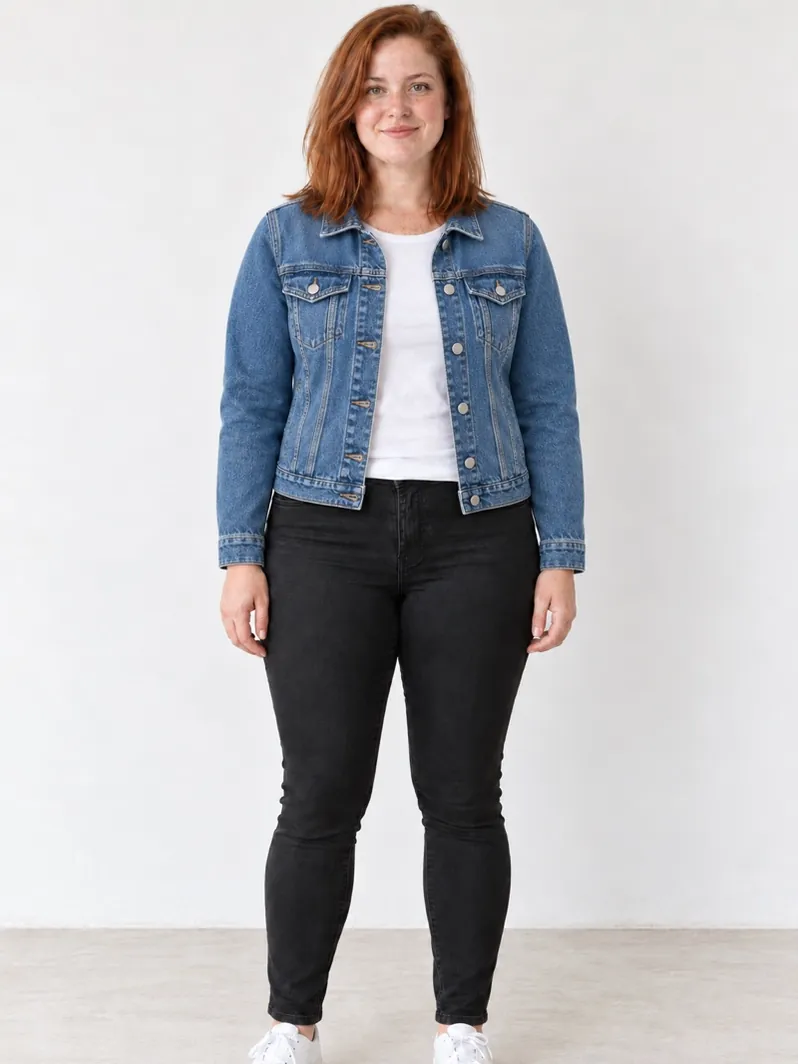 Example · AI preview
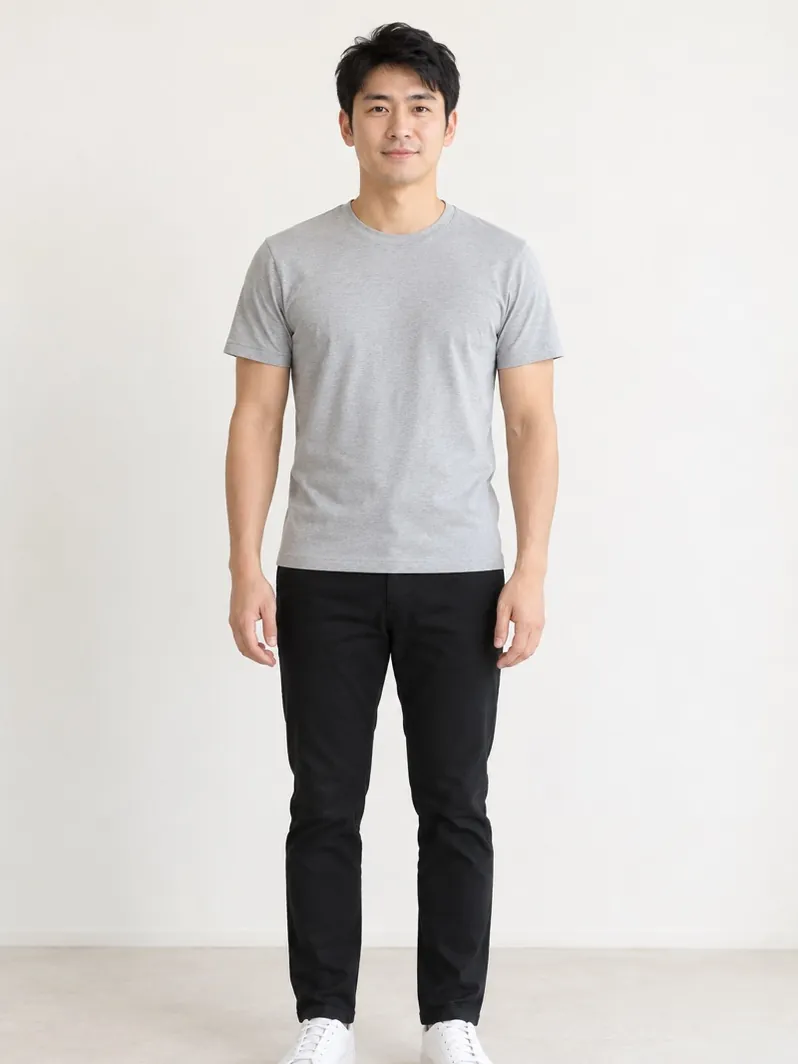
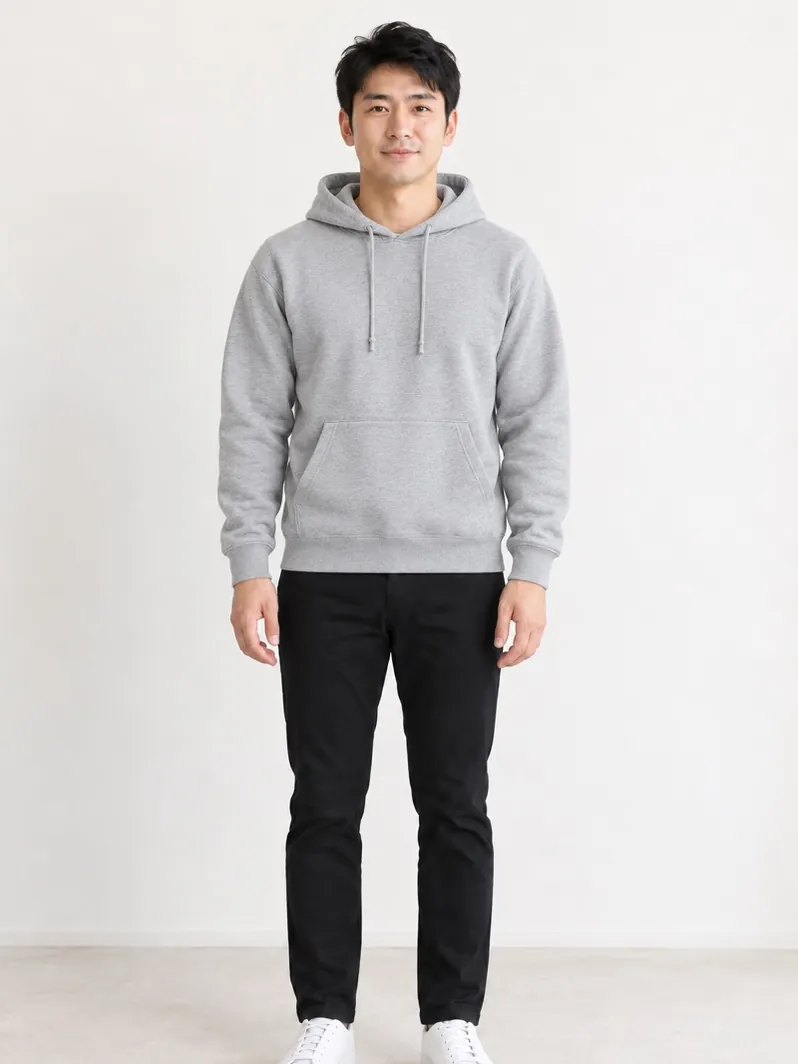 Example · AI preview
Your next outfit,
on you first.
AI preview. Fit, sizing and details may differ.
Your photos and looks are private to your account. Delete any of them, or your whole account, at any time.